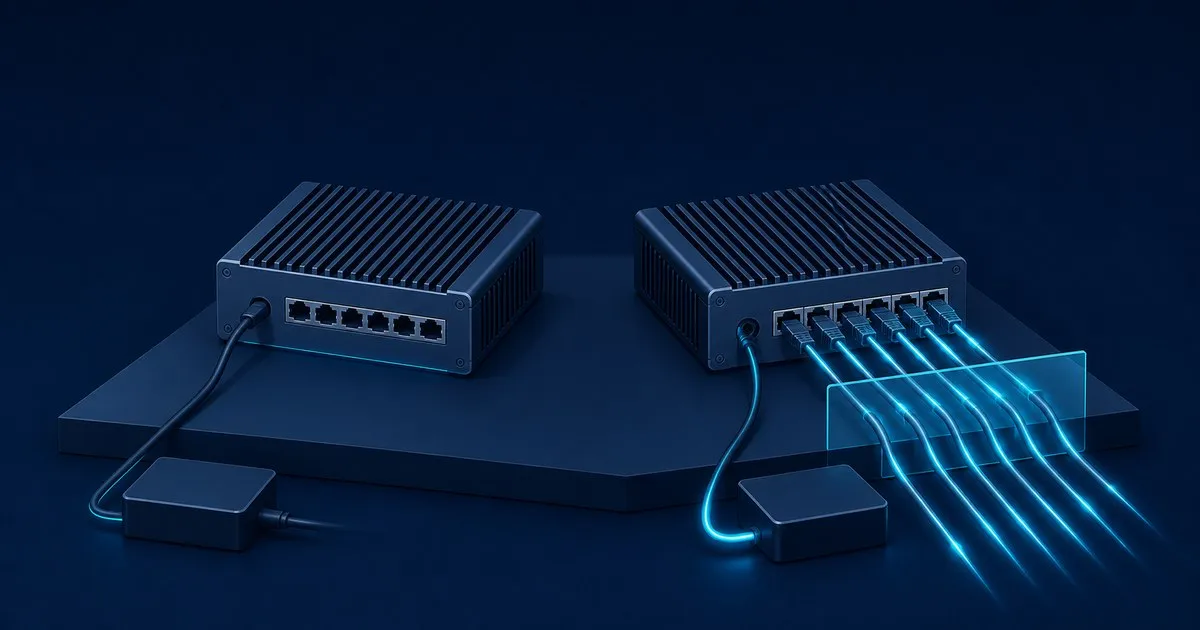
Search for n100 firewall power consumption watts and you get two figures that are both true and both useless alone: Intel’s 6 W, which is the processor’s base power, and the 22 to 23 W maximum ServeTheHome measured on a four-port fanless box. Neither is what your meter shows. For a device that runs 8,760 hours a year the number that matters is idle draw at the wall, and for a four-port Intel i226-V N100 appliance that is 10.5 to 12 W in independent testing, 13 to 15 W in owner reports, and about 6 W with the 10G card pulled and every C-state on. Here is where each watt goes and which settings move it.
The published numbers
| Configuration | Idle at wall | Load at wall | Source |
|---|---|---|---|
| Fanless N100, 4x i226-V 2.5GbE, 16 GB DDR5 | 10.5 to 12 W | 22 to 23 W | ServeTheHome |
| N100, 2x 82599ES SFP+ 10G plus 2x i226-V | 14 to 15 W (5.0 W package) | 16 to 27 W (10.5 W package) | ServeTheHome |
| i3-N305 in the same 10G chassis | 13 to 16 W | 36 to 40 W | ServeTheHome |
| CWWK N100, 5x i226-V (4 linked), 8 GB DDR5, Optane, pfSense | 13 W | not reported | Netgate forum |
| KingnovyPC N100, 4x i226, 16 GB DDR5, NVMe, pfSense | 15 W average | not reported | Netgate forum |
| KingnovyPC N100, two-port | 9.6 W minimum | not reported | STH forum |
| CWWK 1U rack N100, 4x 2.5GbE plus 2x SFP+, dual PSU, fans | 22 W stock, 11 W tuned, 6 W without the SFP card | not reported | kazlauskas.me |
| Protectli VP2420, Celeron J6412, 4x 2.5GbE (previous generation, for scale) | 8.2 W | 18.5 W (CPU plus iperf), 19.7 W peak | Protectli KB |
The spread is not the CPU. The same N100 runs 6 W to 22 W at idle depending on how many Ethernet PHYs are linked, whether a 10G card sits in the slot, whether the chassis has fans, and whether anyone enabled the power management the BIOS shipped with turned off. The forum rows are owner readings on unstated meters; size against the STH and Protectli rows.
Where the watts go
The CPU is the smallest line item at idle. Intel’s N-series launch deck lists the N100 at 6 W, four cores, 3.4 GHz turbo, next to the N200 at 6 W and the i3-N305 at 15 W; the product page calls that Processor Base Power. STH’s package readout on the 10G board showed 5.0 W idle and 10.5 W loaded, and after firmware and kernel tuning the rack-mount owner saw the package sit at 0.15 to 0.20 W in C8. An idle Gracemont core costs almost nothing. Everything bolted to it does.
Four 2.5GbE PHYs cost 2 to 3 W before a packet moves. The I225/I226 datasheet, revision 2.6, section 4.4, measured on Intel’s reference card at 3.3 V, 3 m cable, 25 °C: 2.5G idle 762 mW, 2.5G active 910 mW, 1G idle 562 mW, cable disconnected 17 mW. Four ports linked at 2.5G and idle is 3.05 W of controller power; the same four ports unplugged is 0.07 W. With Energy Efficient Ethernet negotiated, 2.5G idle drops to 600 mW and 1G idle to 290 mW per port. The catch is on the FreeBSD side: igc(4) documents hw.igc.eee_setting with a default of 1, meaning disabled, so a stock OPNsense or pfSense box never sees the EEE column, and per Thomas-Krenn the switch at the other end must support 802.3az too, with the savings concentrated below 20% link load.
A 10G SFP+ card is the biggest optional load. The 82599ES pair in the rack build was the difference between 11 W and 6 W at the wall, and STH’s 10G N100 board idled 2 to 4 W above its four-port sibling. On a 1 Gbps WAN the SFP+ cages are a tax paid every hour.
The brick is not free. These boxes ship with a 12 V, 5 A, 60 W adapter; Protectli lists exactly that on the VP2430e, next to a “Max 45W” figure for the appliance. At 12 W of DC load the brick runs at 20% of nameplate. EU Regulation 2019/1782 requires an average active efficiency of 0.880 for supplies above 49 W, but that average is taken at 25, 50, 75 and 100% load; efficiency at 10% load only has to be declared. Even at a flat 88%, 12 W of DC is 13.6 W of AC, and at the light-load end the loss is larger. One of STH’s three review units came with a 48 W LiteOn adapter instead, which sits closer to the load points where efficiency is actually regulated.
Fans. The rack build measured 3 W for its fans alone. Fanless is a power feature as much as an acoustic one.
What it costs per year
The EIA puts the US average residential rate at 18.34 cents per kWh for June 2026. One watt held for a year is 8.76 kWh, or $1.61.
| Steady draw | kWh per year | Cost per year |
|---|---|---|
| 6 W (tuned, no 10G card) | 52.6 | $9.64 |
| 10 W | 87.6 | $16.07 |
| 12 W (STH four-port idle) | 105.1 | $19.28 |
| 15 W (typical owner report) | 131.4 | $24.10 |
| 22 W (four-port at full load, or the rack unit untuned) | 192.7 | $35.34 |
The Netgate thread on the 13 W CWWK box reached the right conclusion: shaving 2 W is about $3 a year at the EIA rate (the thread’s own arithmetic came to $2.63 at the poster’s tariff), and undervolting a firewall to find it is not worth the stability risk. Set the free things, then stop.
Settings that move the meter
-
BIOS: enable C-states and Speed Step. The 15 W KingnovyPC owner was told to check both in the Aptio BIOS and to enable Speed Shift in pfSense; Speed Shift was already on and the box stayed at 15 W, which points at the firmware. The rack-mount owner got from 22 W to 11 W by exposing hidden ASPM and CPU power-efficiency menus, disabling unused onboard devices, and booting Linux with
pcie_aspm.policy=powersave. On FreeBSD,sysctl dev.cpu.0.cx_supportedlists the idle states the firmware exposes anddev.cpu.0.cx_lowestsets the deepest one the scheduler may use (acpi(4)). -
powerd mode. OPNsense exposes it under System > Settings > Miscellaneous as Power Savings, default
hiadaptive(OPNsense docs); pfSense under System > Advanced > Miscellaneous (Netgate docs). Per powerd(8),adaptivedegrades frequency when the system looks idle, whilehiadaptiveraises it faster, lowers it less aggressively and holds full frequency longer. For a firewall idle most of the day,adaptiveon AC is the right setting. Netgate’s caveat: some hardware needs powerd running to reach full frequency at all, so checksysctl dev.cpu.0.frequnder load before and after. -
Do not chase PL1 below 6 W. The two-port owner on the STH forum dropped PL1 from the board’s 7 W default to 6 W and lower and measured no change below 6 W. The floor is the platform, not the package.
-
Unplug or downshift unused ports. 762 mW linked at 2.5G versus 17 mW disconnected, per port, from the datasheet. A port that will never carry 2.5G traffic costs 200 mW less linked at 1G.
-
EEE, carefully.
hw.igc.eee_setting=0in/boot/loader.conf.localturns it on. The i226-V already has a history of renegotiating with some link partners, so if a port starts flapping after the change, revert this first, then work the link-drop ladder.
Things to test before you believe a number
Protectli measured its table with a Kill A Watt EZ P3 and a Baldr BA3091 at 74 °F. Do the same, at the wall, with the brick in the circuit, because that is the number you are billed for.
sysctl dev.cpu.0.cx_supported dev.cpu.0.cx_usage dev.cpu.0.cx_lowest
sysctl dev.cpu.0.freq dev.cpu.0.freq_levels
sysctl hw.igc.eee_setting
ifconfig igc0 | grep media
iperf3 -c 192.168.10.20 -P 4 -t 60
Read the meter with no cables, then with each port linked, then during the iperf3 run. Idle should land within a watt or two of STH’s 10.5 to 12 W for a four-port box; a reading in the high teens with nothing plugged in means C-states or ASPM are still off in the BIOS. Load should stop well short of the 45 W Protectli lists for its N150 four-port and nowhere near the 60 W brick. If the box lives near 22 W all day the question is no longer power: Firewall Compare’s hardware tiers cover when an i5 earns its extra draw, and pfSense Lab’s hardware requirements cover sizing. The N100 versus N305 comparison here covers the 6 W versus 15 W decision and the build guide the rest of the spec.
To connect the wattage discussion to the planned workload, use the N100 throughput and power calculator. Its figures are planning estimates; compare them with the completed appliance’s wall-meter readings.
Related across the network
- Best Homelab Firewall in 2026: OPNsense, pfSense, UniFi, MikroTik — firewallcompare.com


